
Flexible start
3 months
£25
About £0.28 per day
- 35,000+ international live channels
- 179,000+ films and series on demand
- SD, HD, Full HD, 4K and UHD options
- Anti-buffer European server routing
- Adult category available for an additional £5
Bring live television, major sports, films and series together on compatible Smart TVs, Fire TV, Android, Apple devices and computers, with clear installation guidance and helpful daily support.
Most providers compete on price. We focus on the complete experience—£59 for 12 months plus one bonus month.
Friendly support, day and night · Secure plan guidance


























Browse an expansive on-demand catalogue, build favourites and move from family films to long-form series without waiting for a broadcast schedule.










Follow football, motorsport, combat sports and international events through organised groups. Confirm any must-see event with support before ordering.












These interface previews illustrate programme guides, categories and media libraries. The final layout varies by player and device.
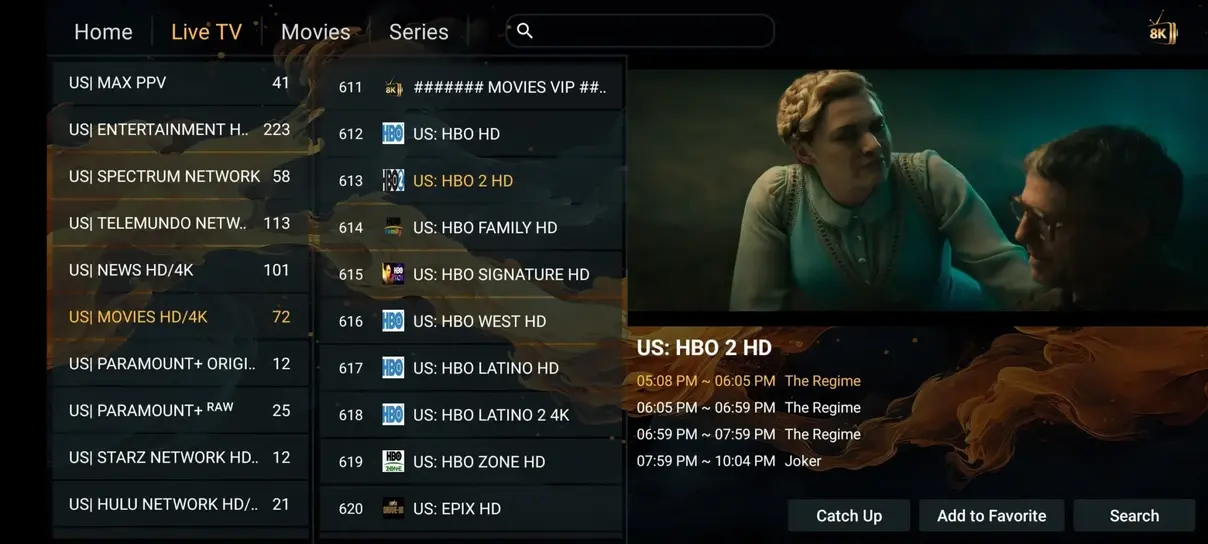
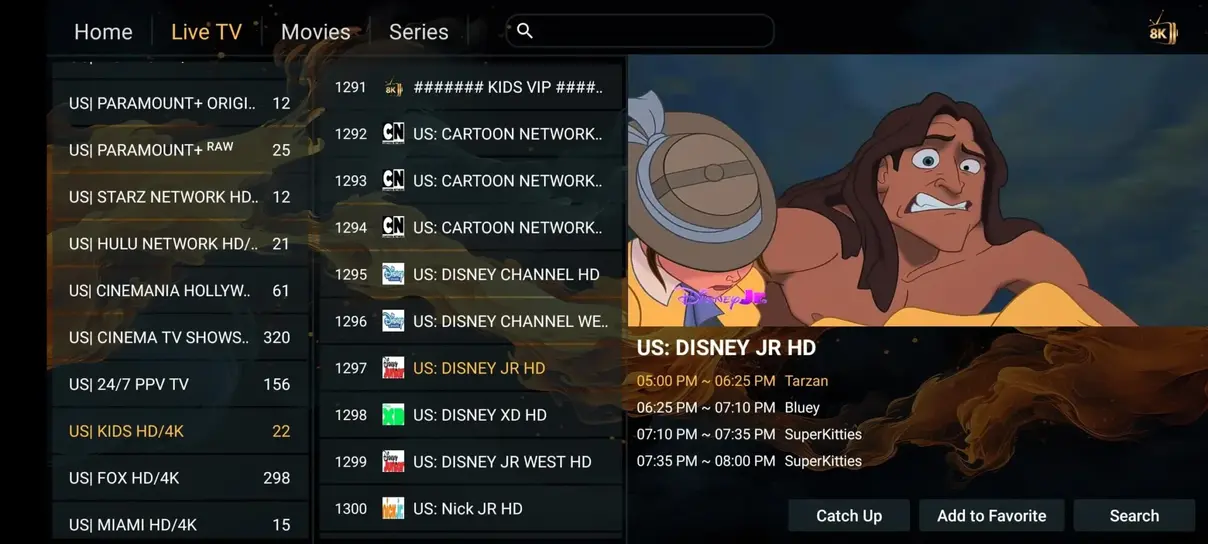
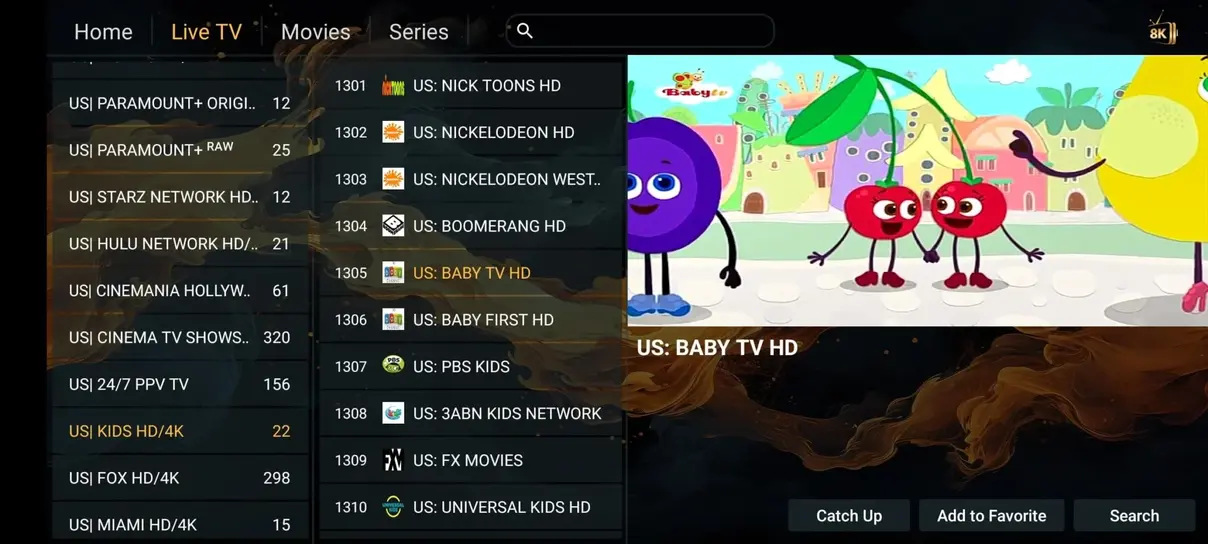
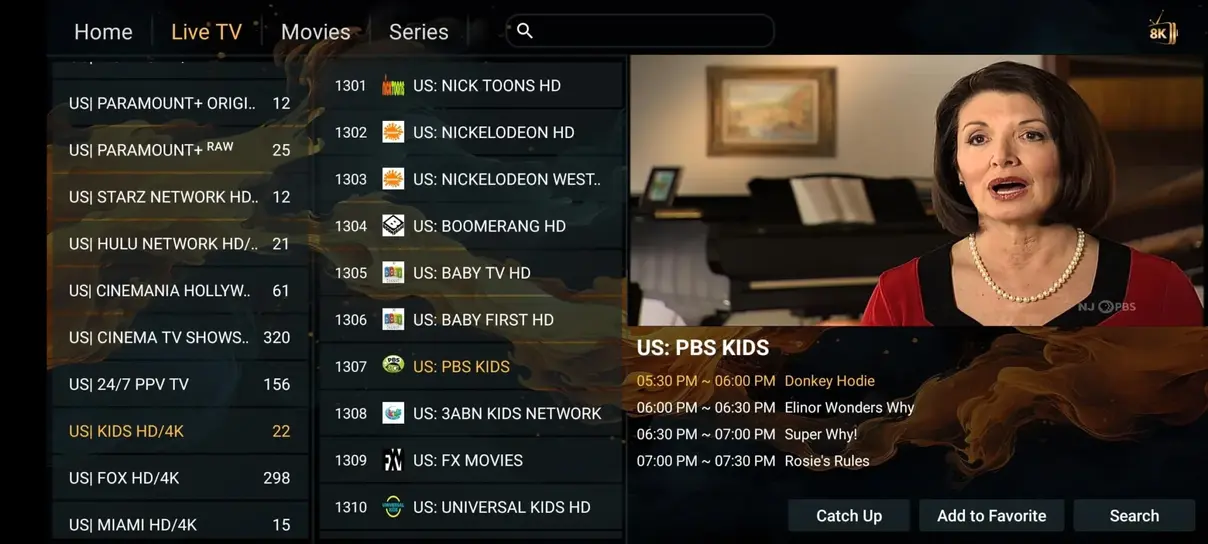
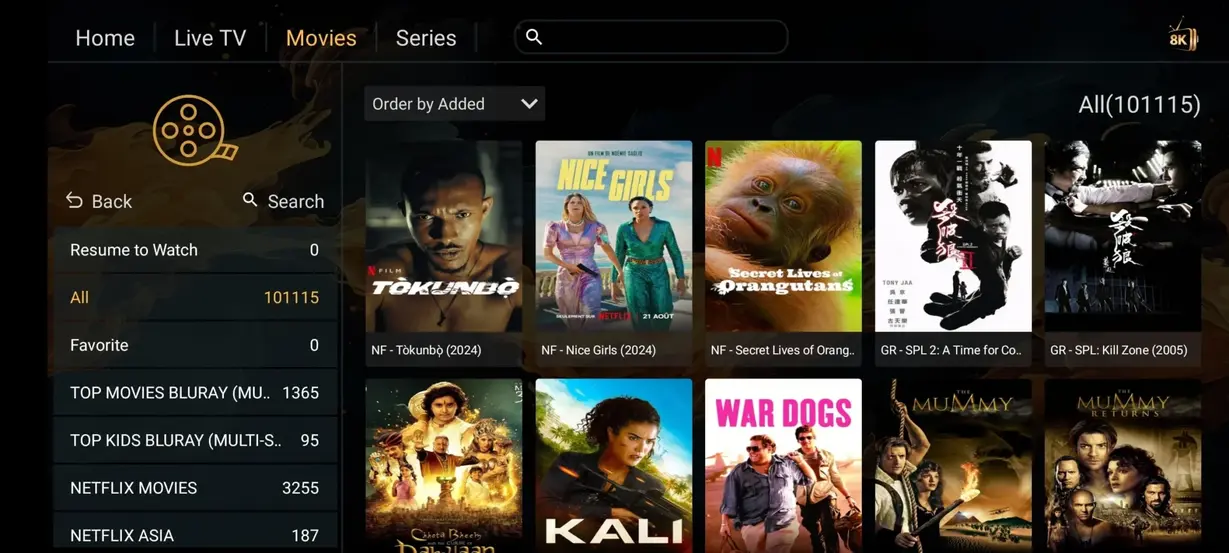
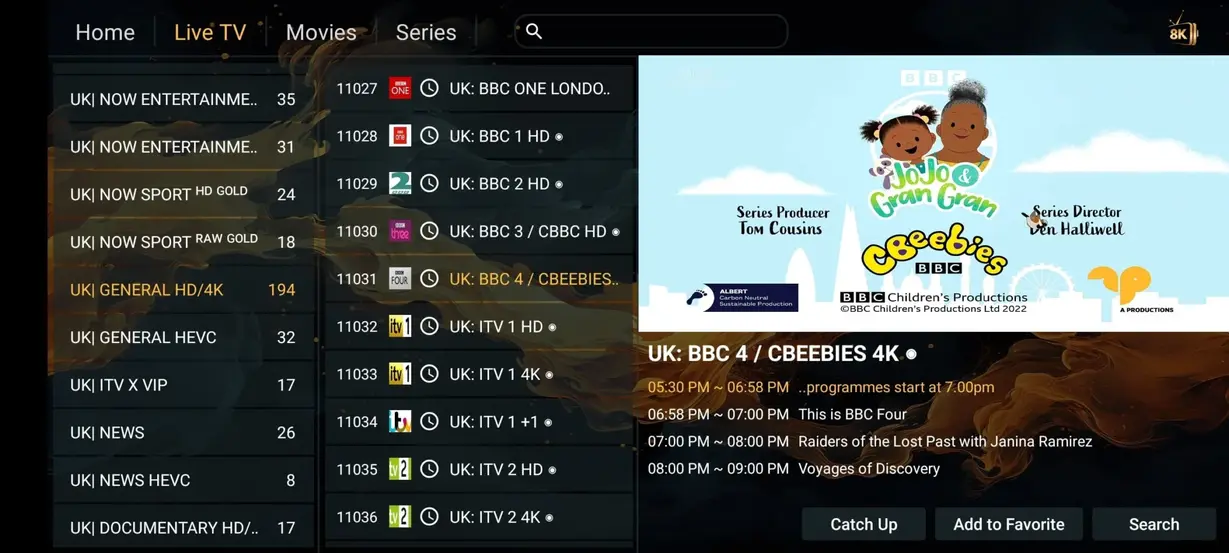
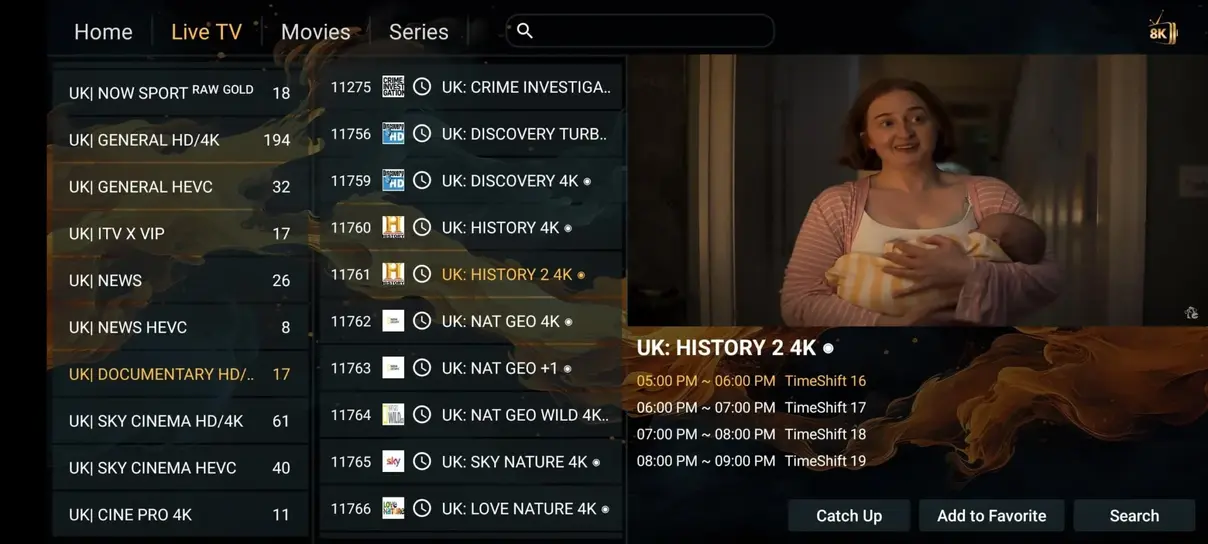
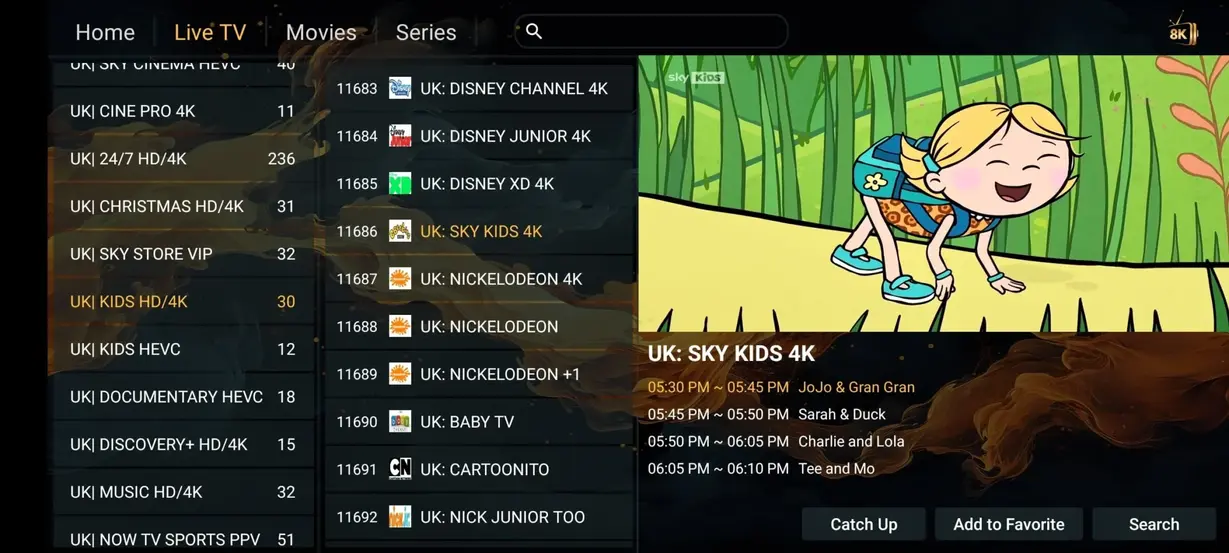
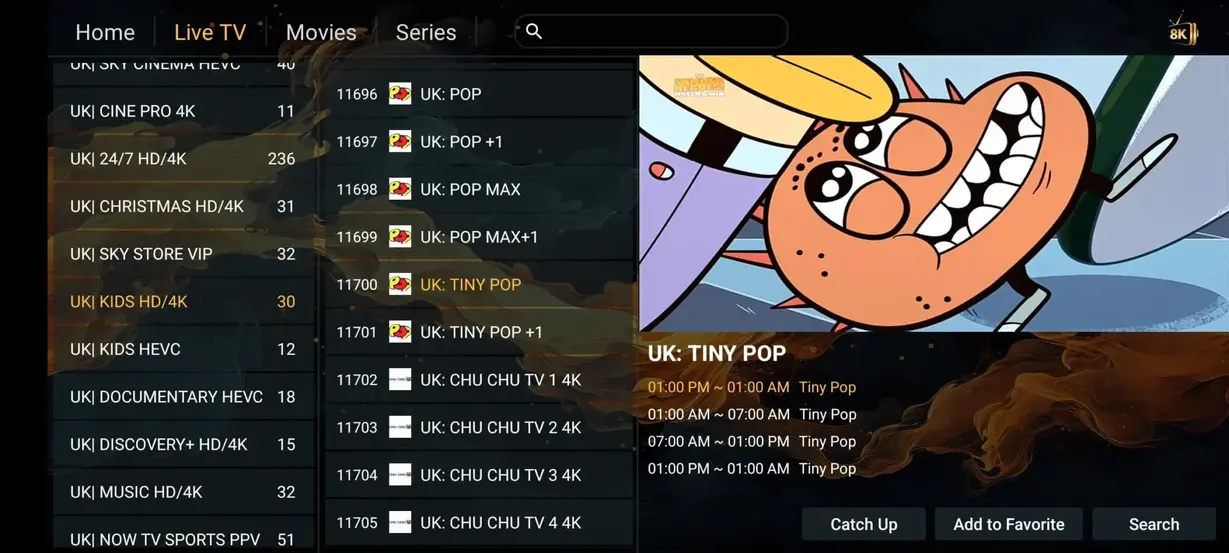
Use this overview as a starting point, then compare the exact channels, hardware and contract terms that matter to your home.
Choose a term that suits your viewing routine. Every order button identifies the selected plan in a private WhatsApp message.
About £0.28 per day
About £0.16 per day
About £0.22 per day
Test your device and viewing routine with a straightforward one-month subscription.

Keep your activation details private and use a maintained player from a dependable source.
Choose Hot Player, IPTV Smarters, TiviMate or another suitable app for your Smart TV, Fire TV, Android or Apple device.
Add the M3U address or Xtream credentials supplied in your private activation message, then allow the playlist to refresh.
Open live categories, VOD and the programme guide. Add favourites so the catalogue fits your everyday routine.
Use a compatible television, streaming stick, box, phone, tablet or computer. App availability varies by platform and model.








Rated 4.9 out of 5 from 243 submitted reviews about setup, content navigation and everyday streaming.
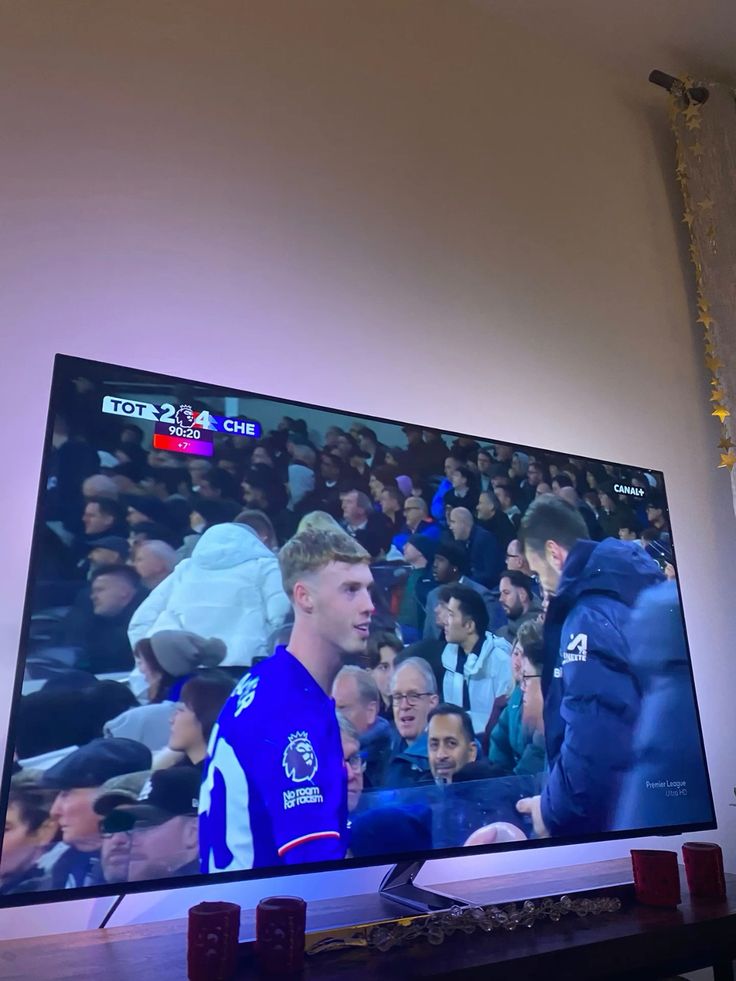
“Fire TV setup was quick, and the sports groups are much easier to navigate than my old player.”
Michael K.Manchester, UK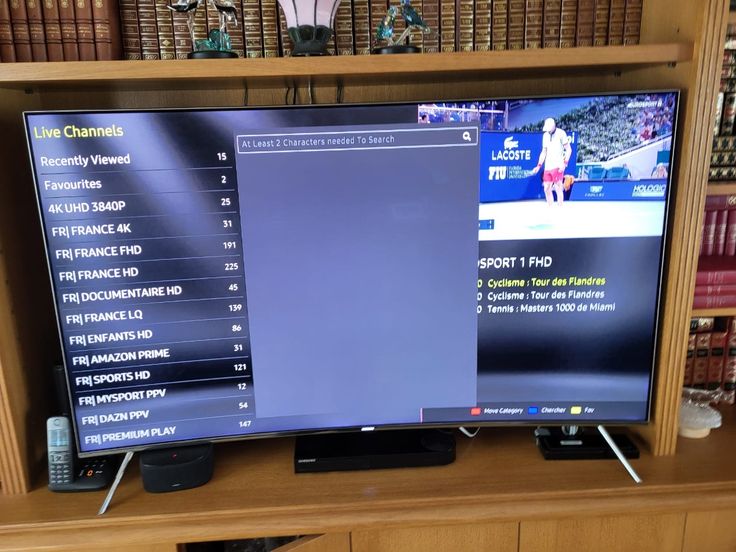
“Support explained the Smart TV activation clearly. Films load quickly and the favourites list saves time.”
Sophie R.Bristol, UK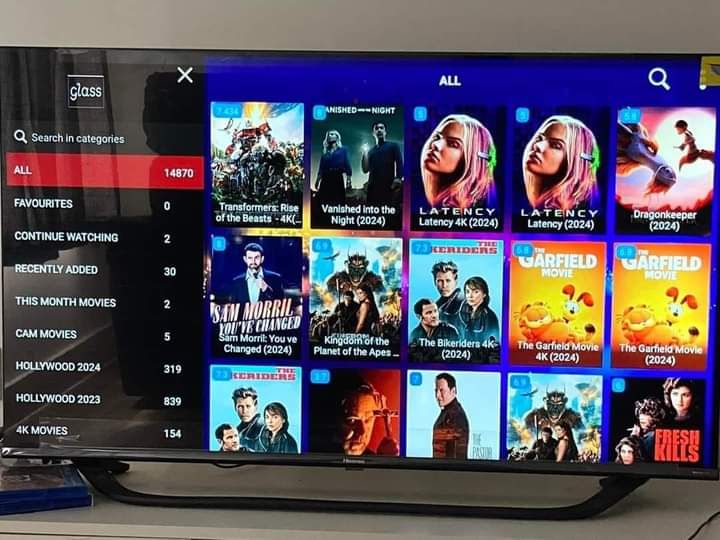
“I mainly watch football and news. The categories are organised well and the EPG is useful.”
Patrick L.Dublin, Ireland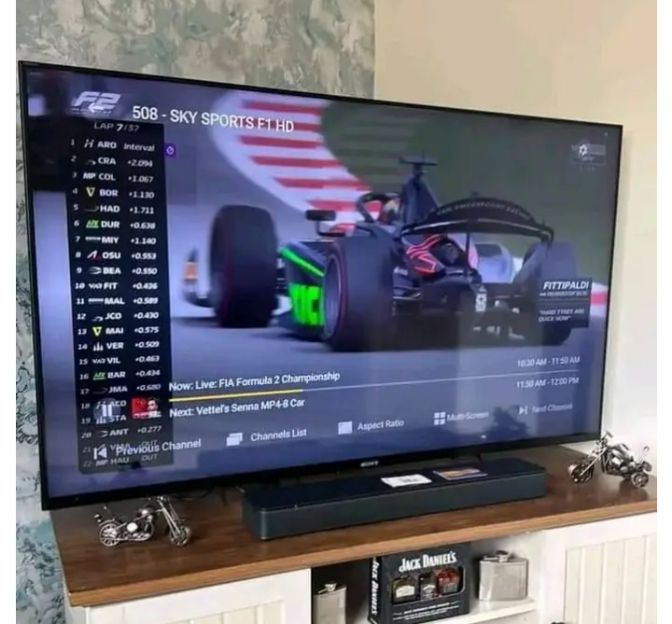
“The international channel selection works well for our multilingual household on Android TV.”
Carlos M.London, UK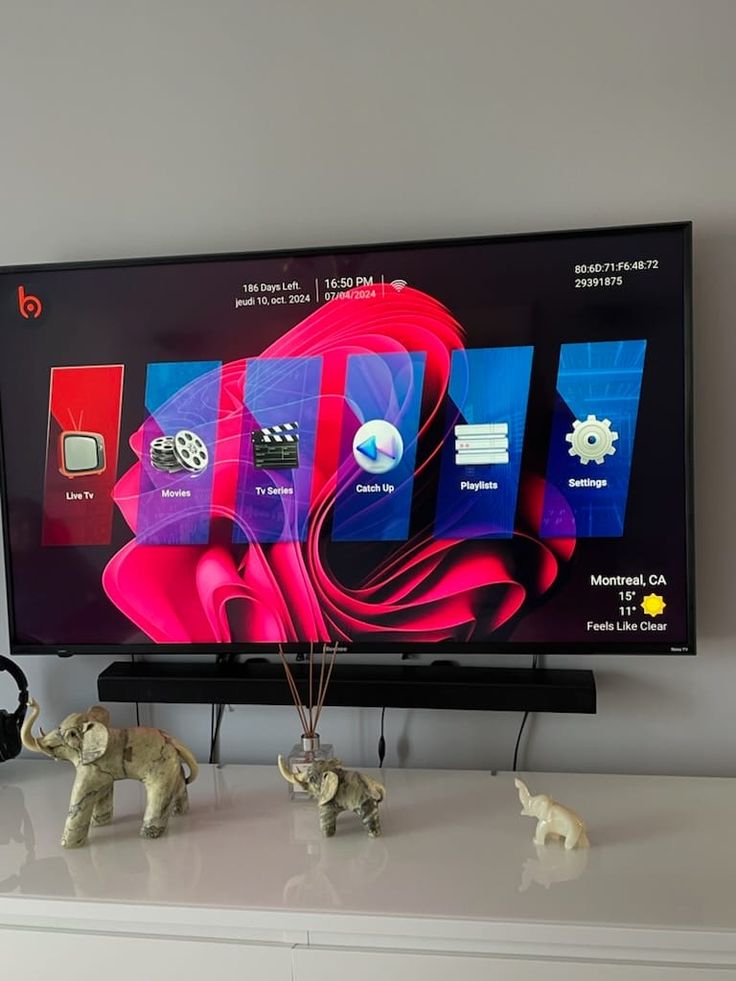
“TiviMate setup took only a few minutes once I had the details. Stable on wired broadband.”
Jan V.Edinburgh, UK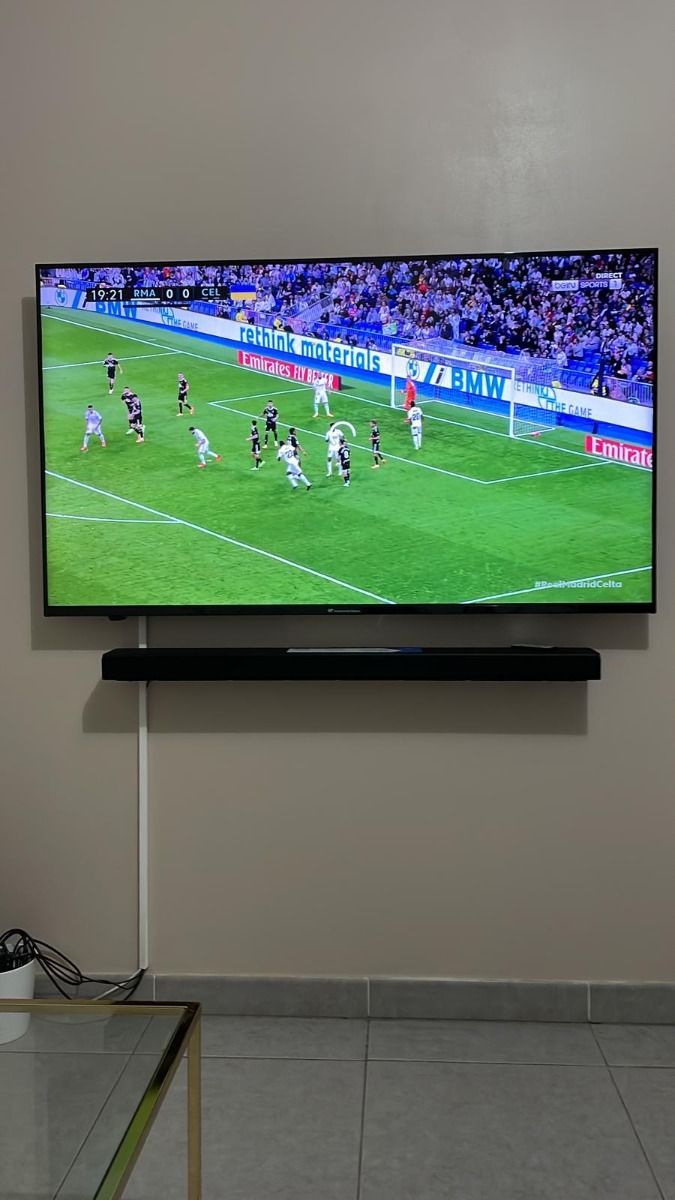
“The series library and catch-up options are convenient, and support answered my device question.”
Luisa B.Leeds, UK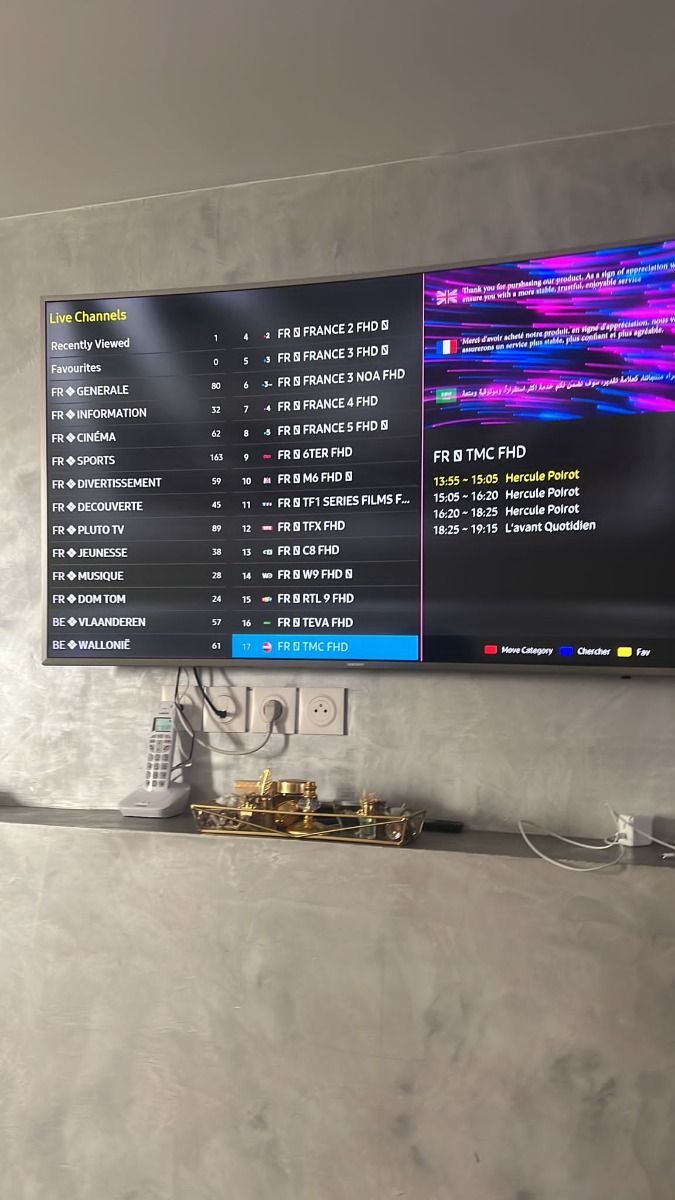
“Two-screen access means the family can watch sport and films at the same time without arguments.”
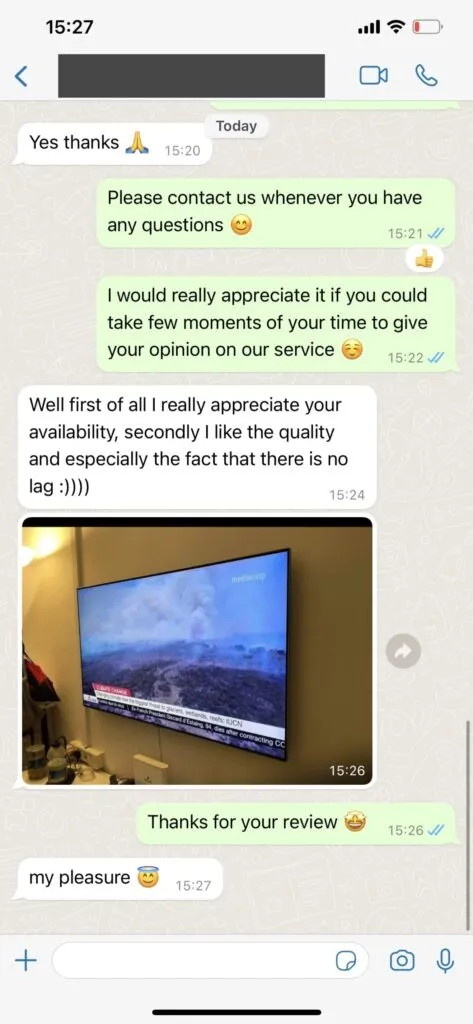
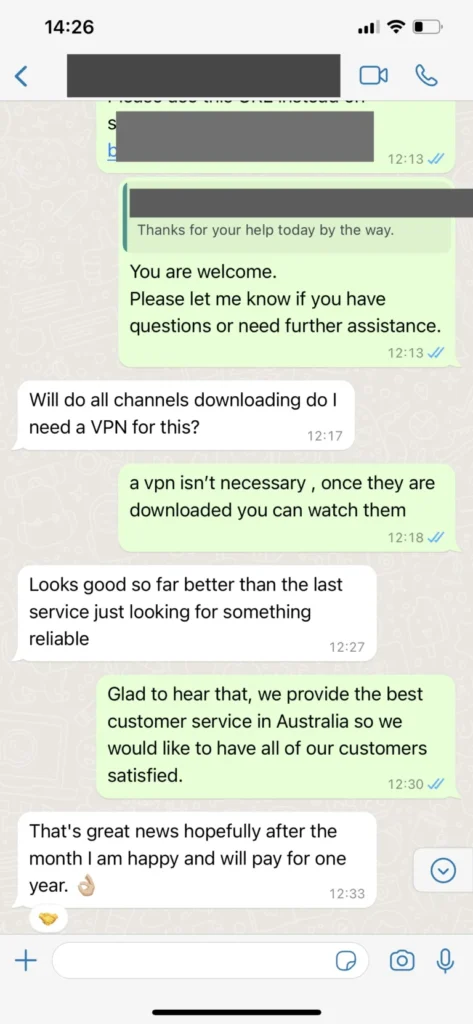
Aisha N.Birmingham, UKWhatsApp makes it easy to share a device name or short error message. These anonymised examples illustrate the style of support; never share full passwords in screenshots.
Start a support chat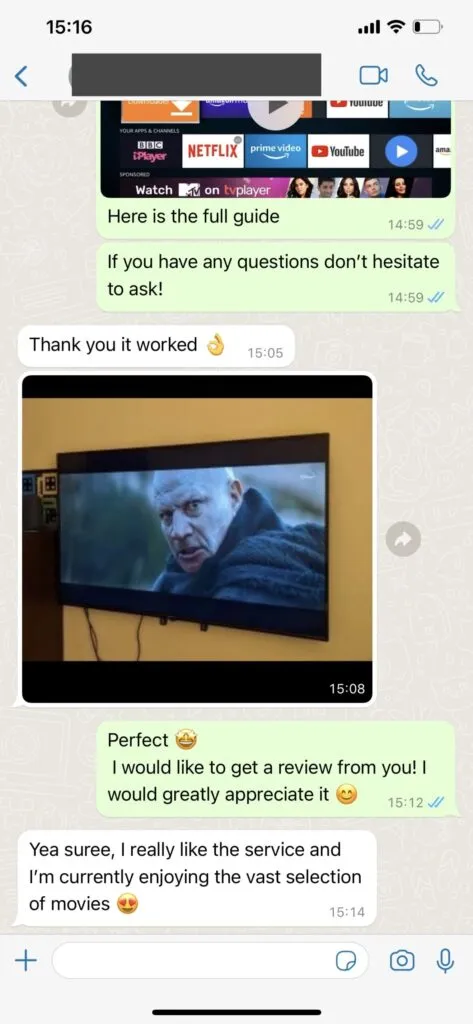
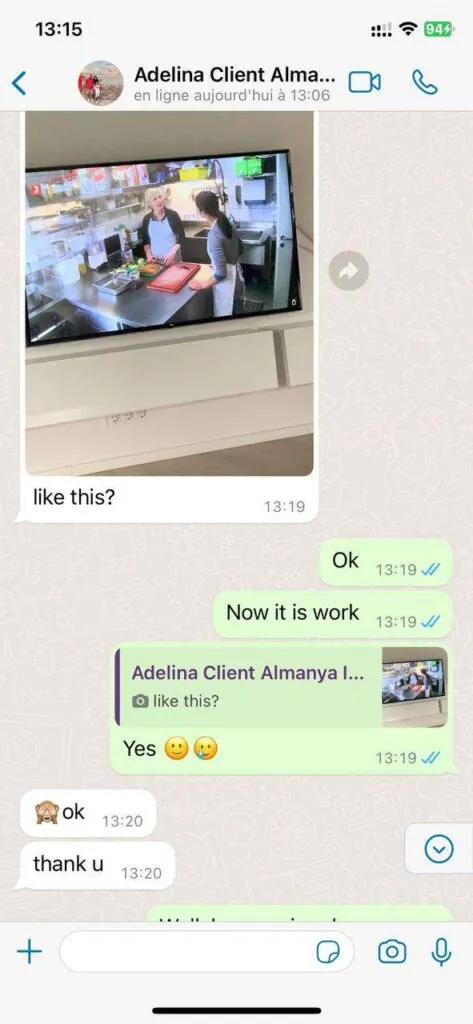
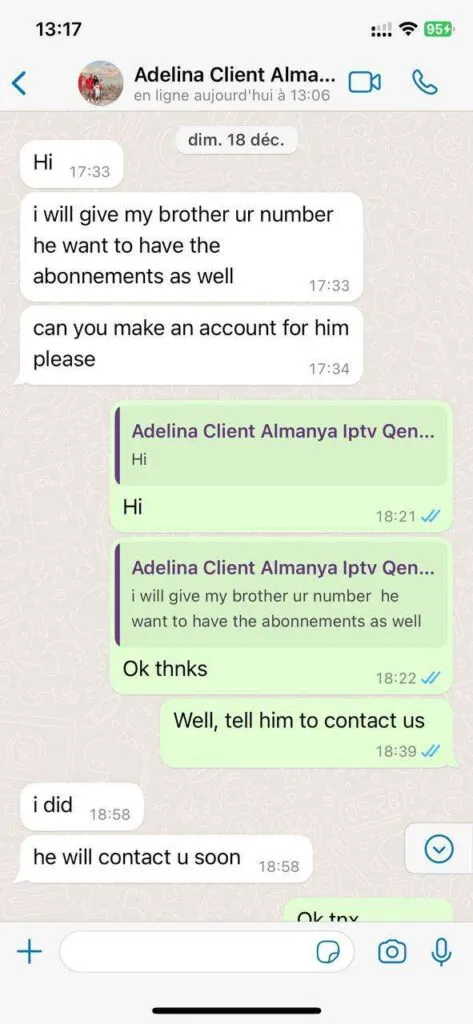
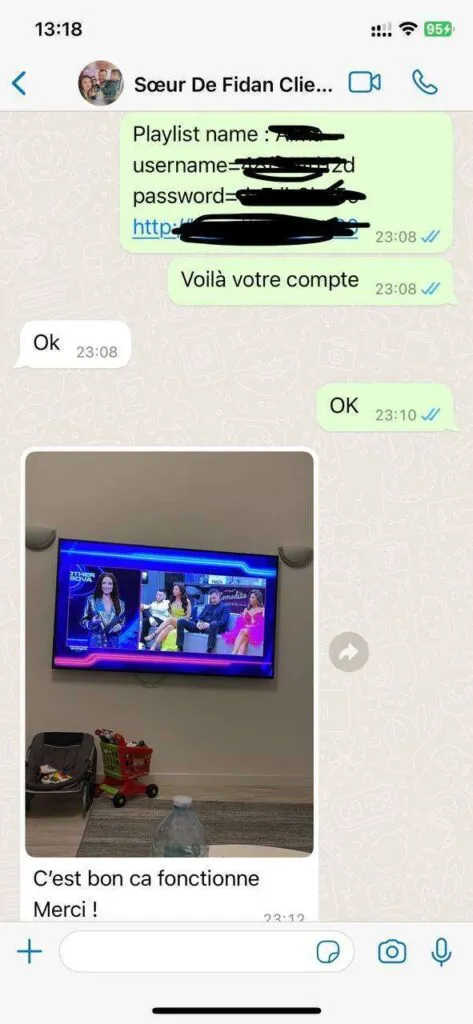
This illustrative dashboard shows how live television, films, series and radio can be organised on a compatible device. The exact app interface depends on platform and version.
Read the app guideEach capability depends on the chosen player, device and current catalogue.
Explore a broad, clearly grouped catalogue with practical navigation.
Use compatible players and a suitable connection for the best result.
Ask support about a specific requirement before ordering.
Explore a broad, clearly grouped catalogue with practical navigation.
Use compatible players and a suitable connection for the best result.
Ask support about a specific requirement before ordering.
Explore a broad, clearly grouped catalogue with practical navigation.
Use compatible players and a suitable connection for the best result.
Ask support about a specific requirement before ordering.
Explore a broad, clearly grouped catalogue with practical navigation.
Use compatible players and a suitable connection for the best result.
Ask support about a specific requirement before ordering.
Explore a broad, clearly grouped catalogue with practical navigation.
Use compatible players and a suitable connection for the best result.
Use these practical notes to move from a large catalogue to a secure, comfortable everyday setup.
A sensible Orexe TV setup begins with the device already connected to your main television. Check its app store, operating-system version, available storage and network connection before buying extra hardware. If a suitable player is available and responds well to the remote, the simplest configuration may also be the most comfortable. An external Fire TV or Android TV device remains a useful upgrade when an older television feels slow.
Resolution labels describe a source option, not a guarantee that every home can play it smoothly. Test the connection where the television sits and remember that evening traffic, other household downloads and Wi-Fi interference affect usable bandwidth. Stable HD can look better than 4K that repeatedly pauses. Ethernet gives a fixed living-room screen the most predictable connection and makes troubleshooting much easier.
A very large channel and VOD library becomes useful only after you shape it. Hide countries you never watch, place regular channels in favourites and learn how your player handles search, history and parental control. Families should decide whether one simultaneous stream is enough. A two-screen plan is the clearer choice when sport and films are likely to be watched at the same time.
Treat an M3U address, server login and activation message like passwords. Store them privately, mask them in screenshots and never publish them in a forum. Before payment, confirm the plan term, GBP amount, recipient and refund conditions. Orexe TV support does not need a full card number, banking password or unrelated identity document to answer an ordinary subscription question.
Instead of writing only “it does not work”, include the device model, player name, connection type, affected category and exact message on screen. Explain the last step that worked and whether other online video plays normally. These details allow support to distinguish a login problem from a player cache, home-network issue or temporary source fault, reducing the number of messages needed to find the next useful step.
The first few days reveal which categories, favourites and controls matter in practice. Remove clutter, update the player through its official source and note any recurring issue at the time it occurs. Review whether the selected plan term and screen count still fit the household. A short routine of maintenance keeps the experience clear without constant changes or unnecessary replacement of working equipment.
Open a question for a concise answer, then contact support if your device or account needs individual help.
Orexe TV support is available for up to 16 hours each day through WhatsApp. The team helps with installation, player settings and account questions in clear English, with additional language support where available.
Choose a plan and open its WhatsApp button. The prefilled message identifies the subscription you want, after which support confirms availability and provides the appropriate payment instructions. Never send card details in an ordinary chat message.
You can use compatible Smart TVs, Amazon Fire TV devices, Android TV boxes, phones, tablets, Windows or Mac computers and Apple devices. Hot Player, IPTV Smarters, TiviMate and other suitable players can be configured with the details supplied after activation.
The service catalogue is organised across UK, European and international live television, sport, films, series, radio and 24/7 categories. Exact availability can change, so ask support about a specific channel before ordering.
Allow at least 10 Mbps of stable bandwidth for HD viewing and around 25 Mbps for 4K. A wired Ethernet connection or strong 5 GHz Wi-Fi normally produces the most consistent television experience.
A VPN is not inherently required. Some viewers use one for privacy or while travelling, but it can also reduce speed. Check your internet provider terms and applicable law, then choose a reputable service only if you have a clear need.
The service can generally be used wherever you have a compatible device and a reliable internet connection. Local network policies, app-store availability and content rights may differ, so confirm the rules that apply at your destination.
Tell us which device and plan term you are considering. We will help you identify the most suitable next step.